
Identified assets
Unique client identifier, name, category, serial number, department, location and optional acquisition details.
Manage computers, tools, furniture and equipment with individual identification and movement histories.
Public demo without registration. Clients: sign in to the application.
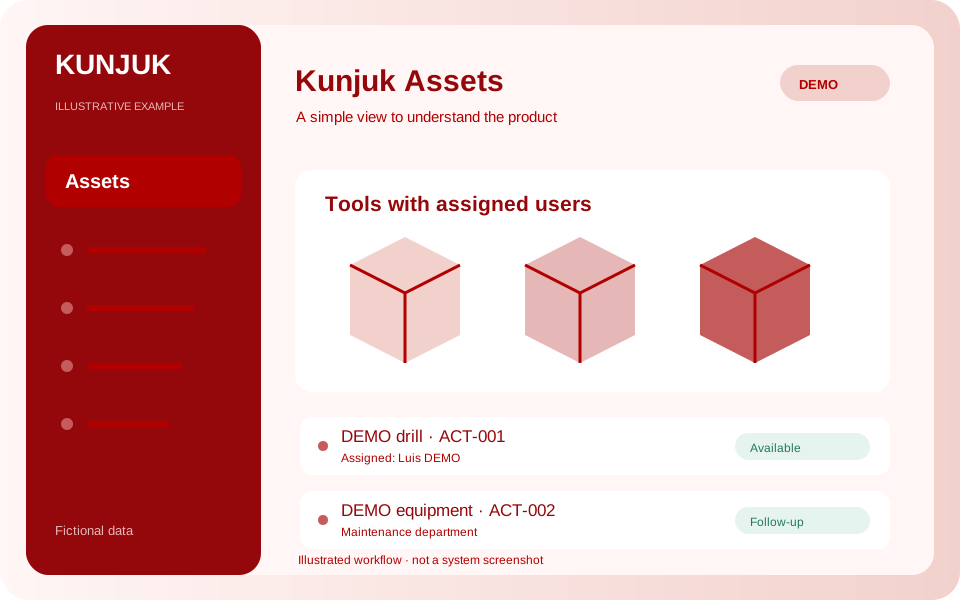 Explore the product
The common problemNot knowing who has a tool, when it returns or what maintenance it received.
With Kunjuk AssetsA laptop is assigned to a department and a tool is loaned with a return date. History lets you reconstruct what happened to each asset.
Who it is forOrganizations managing equipment, tools and organizational assets.
Information about each asset helps coordinate handovers, loans and returns between people and departments.
Discover how it works: AssetsUnique client identifier, name, category, serial number, department, location and optional acquisition details.
Record the responsible person or department and expected return date. Check overdue loans.
Assignments, returns and location or department changes with date, reason and the person recording them.
Record maintenance entry and completion. Only administrators can retire assets, while preserving their records.
Review distribution by status and category using your workspace’s filters and permissions.
Download the asset list as Excel .xlsx or CSV and each asset’s history as Excel.
An administrative asset management pilot. Acquisition values are references in Argentine pesos: it does not calculate depreciation or replace accounting. It does not include handover signatures, QR scanning or attachments. Assets is enabled per client and can be included in commercial packages.
An interactive workflow with fictional data. Explore, perform an action and see its result. This public simulation does not change the panel or save data.
Choose an assigned or loaned asset and simulate its return.
Enable the applications you need according to your package. Each organization keeps separate data, users and permissions.
Customize access with your logo and colors. You can also request a custom domain. We help define scope, implementation and access.
Explore the other applicationsTell us what you need to organize. We review the workflow together and define applications, implementation, training and support in a proposal.
Start with the tools your organization needs and expand later. Scope and conditions are defined in the commercial proposal.
Illustrative examples and public demos use fictional data. The interactive demo is a guided simulation of features without access to panel data.
Access depends on roles and permissions. A personalized demonstration reviews what each member should record, approve or view.