
People in your organization
Talk with active, authorized users within the same client organization.
An optional add-on for conversations between organization users, delegating tasks and following progress alongside your Kunjuk applications.
Public demo without registration. Clients: sign in to the application.
 Explore the product
The common problemRequests scattered across conversations and tasks without shared follow-up.
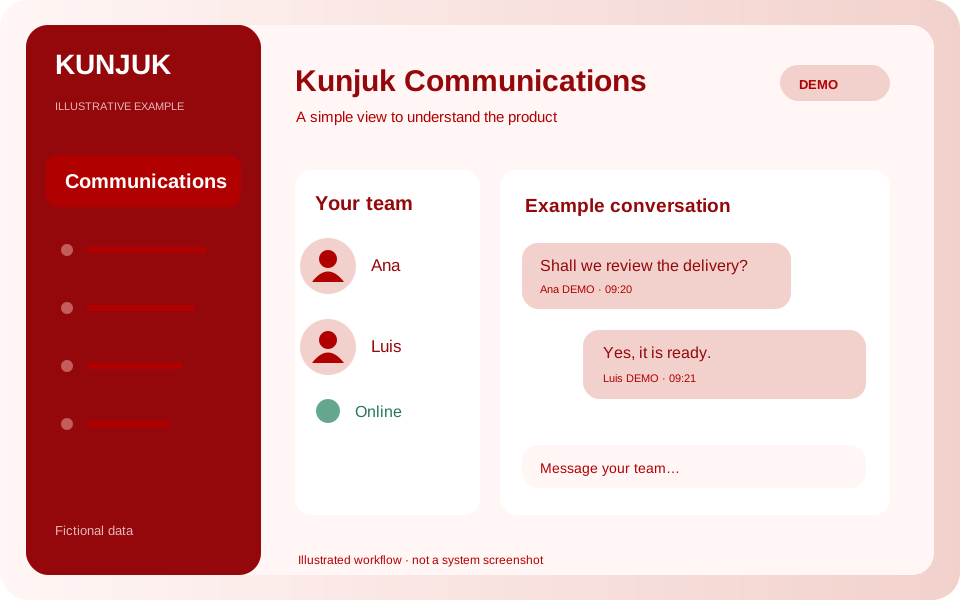
With Kunjuk CommunicationsA manager delegates a review to another user and discusses it through internal chat. Tasks track the work; presence indicates recent activity.
Who it is forTeams that need task coordination without losing work context.
Connect your organization’s members through internal chat and delegated tasks, preserving each application’s context and permissions.
Discover how it works: CommunicationsTalk with active, authorized users within the same client organization.
Assign responsibility and follow work assigned to you or delegated by you.
Direct conversations with history, sent messages and read status.
See who has recently been active on the platform.
Coordinate work and keep task conversations in context.
Each organization has its own users. Links to records respect the application’s permissions.
Optional add-on subject to your enabled package. Current chat supports text between two users; it does not include groups, files, calls or video calls. Presence and messages update periodically.
An interactive workflow with fictional data. Explore, perform an action and see its result. This public simulation does not change the panel or save data.
Choose a task and try sending a message in the example conversation.
Enable the applications you need according to your package. Each organization keeps separate data, users and permissions.
Customize access with your logo and colors. You can also request a custom domain. We help define scope, implementation and access.
Explore the other applicationsTell us what you need to organize. We review the workflow together and define applications, implementation, training and support in a proposal.
Start with the tools your organization needs and expand later. Scope and conditions are defined in the commercial proposal.
Illustrative examples and public demos use fictional data. The interactive demo is a guided simulation of features without access to panel data.
Access depends on roles and permissions. A personalized demonstration reviews what each member should record, approve or view.