
Your own requests
Set subject, type, description, priority and department. Use names that suit your organization.
Organize internal requests for repairs, supplies, tools, services and other procedures, with shared tracking by department.
Public demo without registration. Clients: sign in to the application.
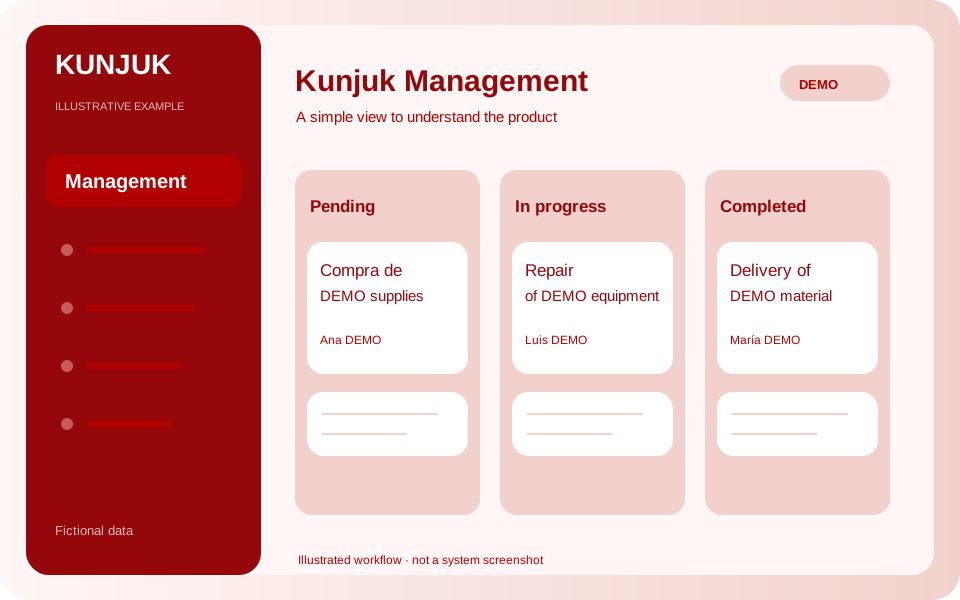 Explore the product
The common problemRequests lost among messages and calls, with no clarity on who should act.
With Kunjuk ManagementA department requests supplies. Administration reviews and approves the request, then tracks progress to completion while preserving history.
Who it is forAdministrative and operational departments in businesses and public organizations.
A request, a decision, a responsible person. Requests and their history help each department find what needs attention.
Discover how it works: ManagementSet subject, type, description, priority and department. Use names that suit your organization.
The administrator approves or rejects each request and leaves a reason in its history.
Assign a reference person or department, set a deadline and change responsibility when needed.
Record start, completion and observations. The administrator can reopen completed work.
Review statuses, pending work and open requests with overdue deadlines. Analytics may include this information when enabled.
Download requests as Excel .xlsx or CSV, and each request’s history as Excel.
A pilot with a simple approval workflow and existing roles: administrator, department manager and auditor. Assigning responsibility does not create access. It does not include digital signatures, legal approval, purchasing, payments, attachments or automatic notifications. Date filters apply to request creation; statuses show their current state.
An interactive workflow with fictional data. Explore, perform an action and see its result. This public simulation does not change the panel or save data.
Choose the pending request and approve it to see the board change.
Enable the applications you need according to your package. Each organization keeps separate data, users and permissions.
Customize access with your logo and colors. You can also request a custom domain. We help define scope, implementation and access.
Explore the other applicationsTell us what you need to organize. We review the workflow together and define applications, implementation, training and support in a proposal.
Start with the tools your organization needs and expand later. Scope and conditions are defined in the commercial proposal.
Illustrative examples and public demos use fictional data. The interactive demo is a guided simulation of features without access to panel data.
Access depends on roles and permissions. A personalized demonstration reviews what each member should record, approve or view.