
Warehouses and departments
Organize warehouses by name, location and responsible department. Area managers operate only within their warehouses.
Manage stock and deliveries of supplies, spare parts, lubricants and workwear for businesses, municipalities and public organizations.
Public demo without registration. Clients: sign in to the application.
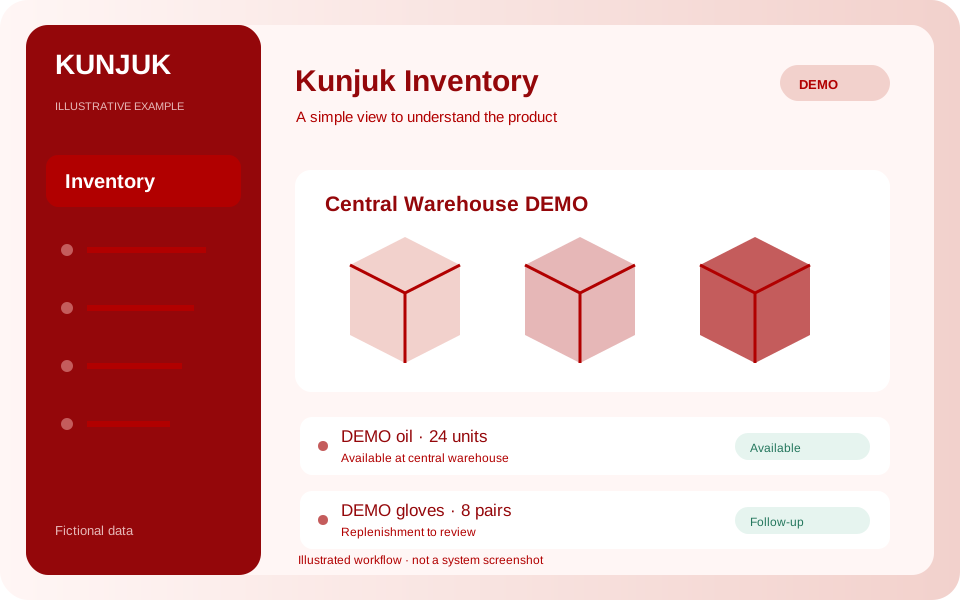 Explore the product
The common problemSeparate warehouse spreadsheets and uncertainty when issuing or replenishing materials.
With Kunjuk InventoryA spare part is available at the central warehouse but missing in the workshop. Check both balances and record the movement with its responsible user.
Who it is forWarehouses, workshops and departments issuing supplies, spare parts or clothing.
Those receiving, issuing and replenishing materials need to know where stock is. Kunjuk supports that work with balances and history.
Discover how it works: InventoryOrganize warehouses by name, location and responsible department. Area managers operate only within their warehouses.
Define codes, names, categories and units of measure: units, liters, kilograms or others. Quantities support up to three decimal places.
Record quantities, dates, references and reasons. For issues, identify the receiving person or department and optionally the destination equipment.
Move products between warehouses in one operation that updates both balances. Insufficient stock is rejected.
Check current stock by warehouse and in-panel notices when a product reaches or falls below its configured minimum.
Export movements to CSV. Correct errors through reversals that preserve the original record and prevent negative balances.
The pilot tracks quantities and manual movements. It does not include purchasing, accounting valuation, batches, expiration dates or barcodes. The actual movement date is retained; a late entry updates the current balance without reconstructing historical daily stock.
An interactive workflow with fictional data. Explore, perform an action and see its result. This public simulation does not change the panel or save data.
Choose a product and simulate a receipt of 10 of its own units of measure.
Enable the applications you need according to your package. Each organization keeps separate data, users and permissions.
Customize access with your logo and colors. You can also request a custom domain. We help define scope, implementation and access.
Explore the other applicationsTell us what you need to organize. We review the workflow together and define applications, implementation, training and support in a proposal.
Start with the tools your organization needs and expand later. Scope and conditions are defined in the commercial proposal.
Illustrative examples and public demos use fictional data. The interactive demo is a guided simulation of features without access to panel data.
Access depends on roles and permissions. A personalized demonstration reviews what each member should record, approve or view.