
Records with photos
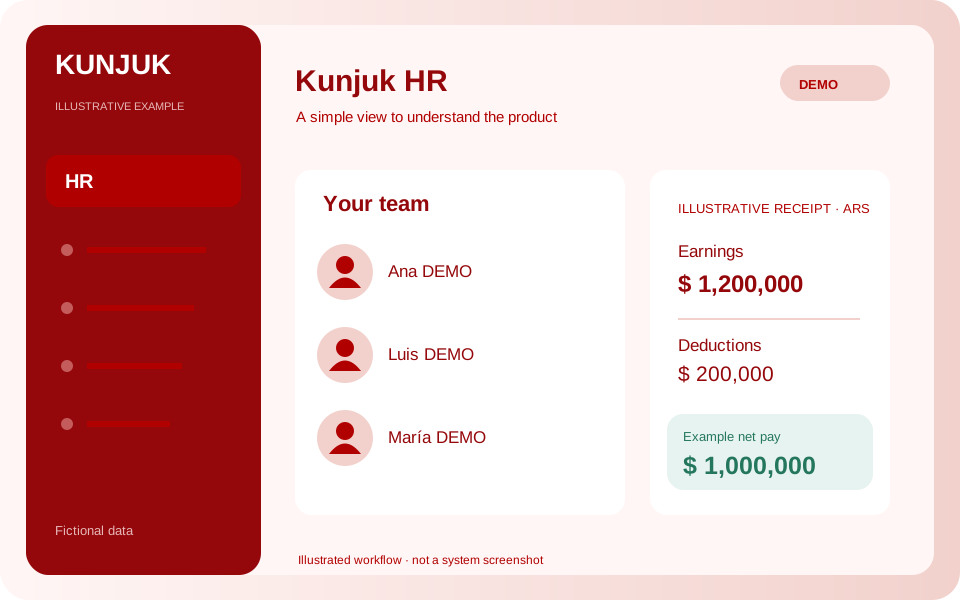
Organize photos, employee numbers, CUIL, department, role, category and start date. Search personnel and review their distribution by department.
Personnel with photos and receipt generation from configurable pay concepts and amounts, for businesses and public organizations.
Public demo without registration. Clients: sign in to the application.
 Explore the product
The common problemScattered personnel records and receipts prepared without a shared view of concepts and amounts.
With Kunjuk HRThe manager configures base pay, additional amounts and deductions. The system calculates totals and generates the PDF receipt; employees view only their own.
Who it is forPersonnel administration for businesses, municipalities and public organizations.
Personnel records, pay concepts and receipts in one workflow. Organized information for the personnel team and private access for each employee.
Discover how it works: HROrganize photos, employee numbers, CUIL, department, role, category and start date. Search personnel and review their distribution by department.
Configure legal name, CUIT, address, jurisdiction, working regime and receipt name. Each payroll calculation keeps its own copy of these details.
Enter remunerative and non-remunerative pay concepts and deductions. Kunjuk calculates earnings, deductions and net pay, and generates salary, bonus or adjustment PDFs.
Save a client pay-concept template, adjust each calculation and review amounts before publication. Net pay updates while you edit.
Employees view and download only their own current receipts. HR managers manage personnel without receiving access to fuel or fleet information.
Published receipts are retained and may be canceled with a reason. You may also attach documents generated by another system.
Pay concepts and amounts are defined and reviewed by the employer or payroll team. Collective agreements, tax rules and provincial regimes are not applied automatically. Viewing confirmation does not constitute an electronic or digital signature or acceptance of salary amounts.
An interactive workflow with fictional data. Explore, perform an action and see its result. This public simulation does not change the panel or save data.
Choose a person, adjust the pay concepts and generate a receipt preview.
Enable the applications you need according to your package. Each organization keeps separate data, users and permissions.
Customize access with your logo and colors. You can also request a custom domain. We help define scope, implementation and access.
Explore the other applicationsTell us what you need to organize. We review the workflow together and define applications, implementation, training and support in a proposal.
Start with the tools your organization needs and expand later. Scope and conditions are defined in the commercial proposal.
Illustrative examples and public demos use fictional data. The interactive demo is a guided simulation of features without access to panel data.
Access depends on roles and permissions. A personalized demonstration reviews what each member should record, approve or view.